Hoppa till innehåll
  • Home
  • Shop
  • 0 Wishlist
  • 0 Cart
A. Vesalainen
  • HEM
  • FAQ
  • YHTEYSTIEDOT
  • 0
  • Sign in
  • 0
  • English (US) Eesti keel Suomi Svenska
A. Vesalainen
Search our site
  • 0
  • Sign in
  • 0
    Önskelista
  • English (US) Eesti keel Suomi Svenska
  • HEM
  • FAQ
  • YHTEYSTIEDOT
  1. All Products
  2. Elektriska bord delar
  3. Handkontroll med 3 minnesplatser, rund JCHT35M6
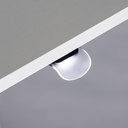
[JCHT35K20] Handkontroll, Pisara JCHT35K20
[JCHT35M18C] Handkontroll inbyggd JCHT35M18C
  1. Handkontroll med 3 minnesplatser, rund JCHT35M6
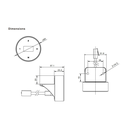
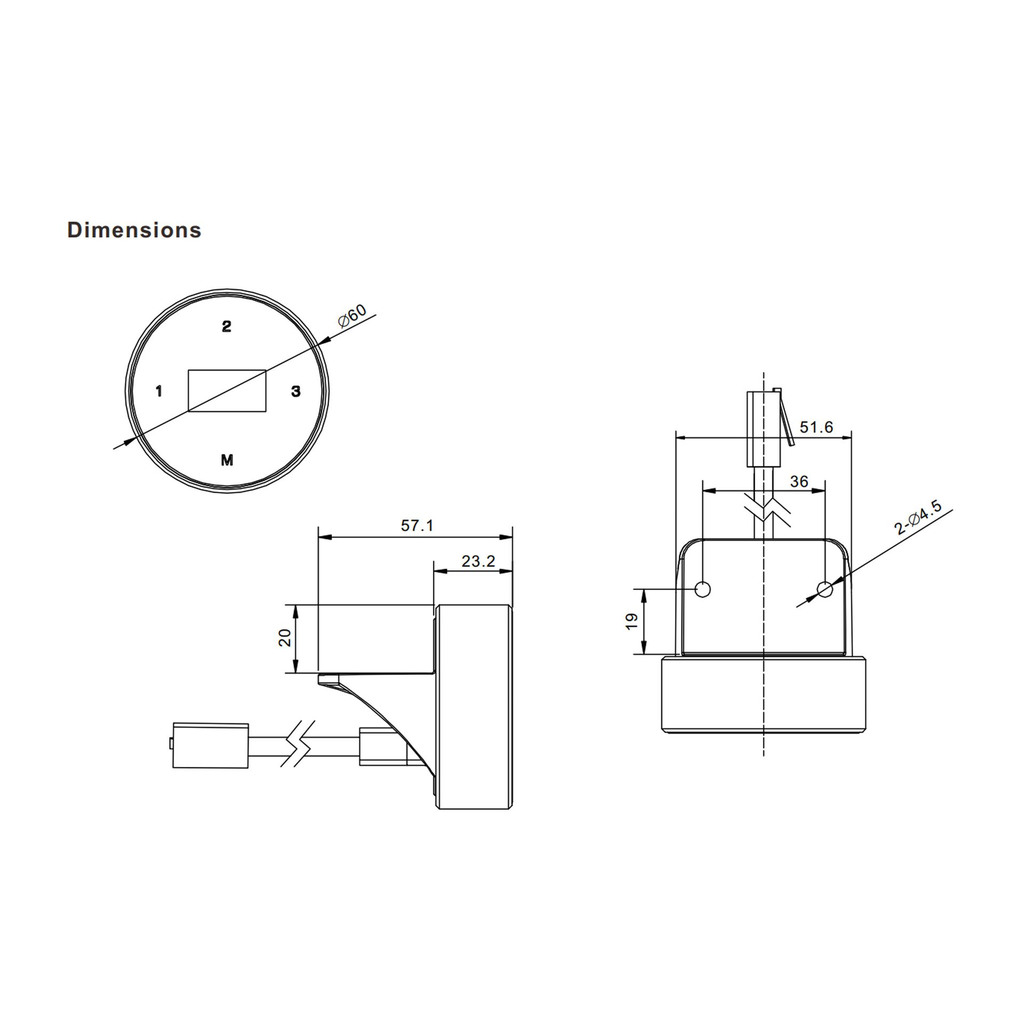
  2. Käsiohjain, 3-muistipaikkaa, pyöreä JCHT35M6_mitat.webp
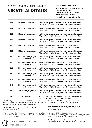
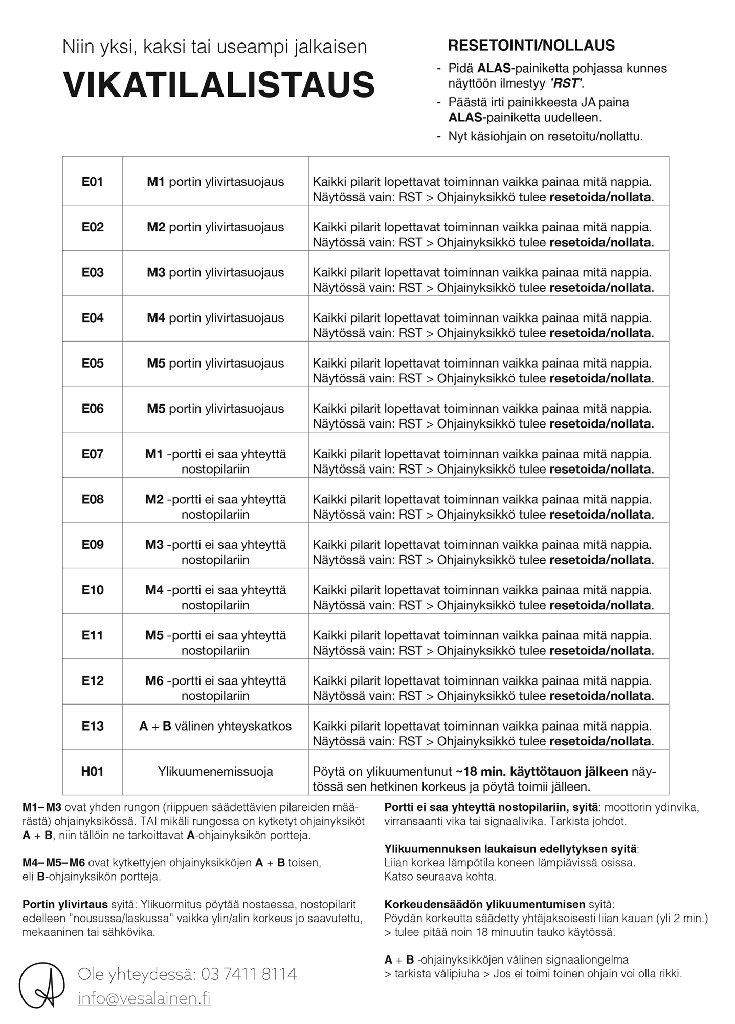
  3. Vikatilalistaus
Handkontroll med 3 minnesplatser, rund JCHT35M6
Käsiohjain, 3-muistipaikkaa, pyöreä JCHT35M6_mitat.webp
Vikatilalistaus

Handkontroll med 3 minnesplatser, rund JCHT35M6


Login for price
Lägg i varukorg
Köp nu
You have already submitted a query for this product today. Lägg till i önskelista
Elektriska bord delar
Kontakta oss

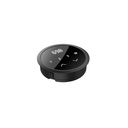
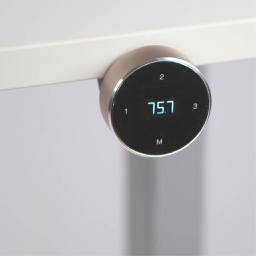
Handset JCHT35M6, round, 3 memory positions

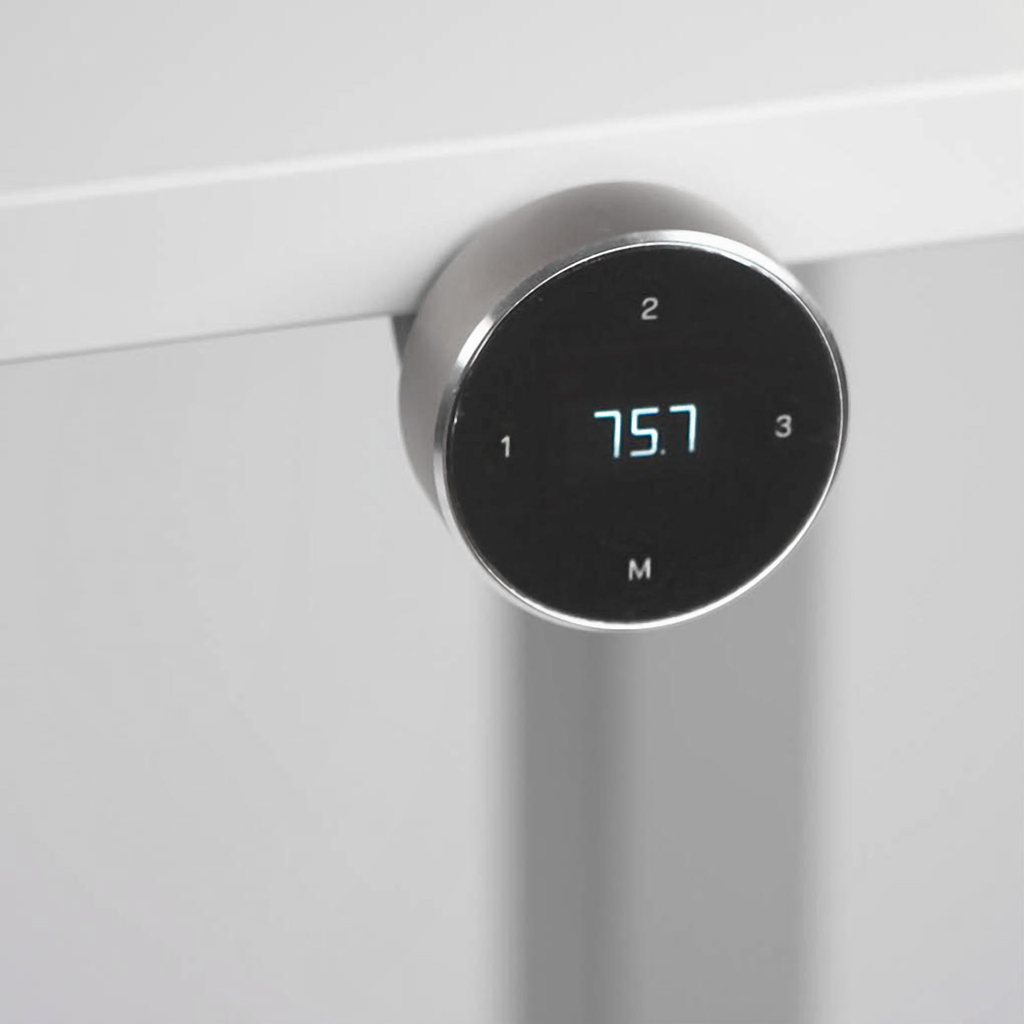
The JCHT35M6 is an innovative touch and swivel handset and a perfect choice for office desks. The OLED screen shows the desk height. You can set a sitting reminder, maximum and minimum limits and automatic locking on the handset. The handset has 3 memory positions.

The JCHT35M6 can be mounted on a variety of height-adjustable desks, and the desk height is easy to adjust by rotating the handset. It also displays error codes to help identify potential system faults.


Features
  • OLED screen showing the current height
  • Touch screen
  • Rotation control, rotation angle max. 35°
  • 4 buttons: 3 memory positions and 1 save button
  • Reversible design
  • Sitting reminder, maximum and minimum limits, automatic lock
  • Diameter: Ø 60 mm
  • Cord length: 2000 mm, 8-pin crystal plug
  • Color: space white, aluminum alloy metal appearance
  • Compatible: JCB35N1, JCB35N2, JCB35N3, JCB35N4
  • Ambient temperature: +5…+40 °C, indoors


Instructions for reset:

Press and hold down the DOWN button on the hand control until the table reaches its lowest height. Release the ALAS button. Press and hold the ALAS button again until the LED display reads "RST". Release the ALAS button. Your desktop is now ready for use.

If your desktop does not work properly, it may need to be reset. If your desk has a handheld controller with an LED display showing "RST", perform the reset procedure in the same way if the body only moves downwards. 

If the LED display shows an error message (''E01-E013''), make sure that all wired connections are properly connected (feet to cables, cables to control box). Then perform the reset procedure.

If the error message persists after reset, contact your dealer. 

If the display shows "HOT", allow the frame to cool for 20 minutes.


Accessory Products

[JCP35N-BLT] Bluetooth Dongle JCP35N-BLT bluetooth-adapter-jcp35n-blt-5.webp
Bluetooth Dongle JCP35N-BLT
Login for price
SKU:JCP35N-BLT

Alternative Products

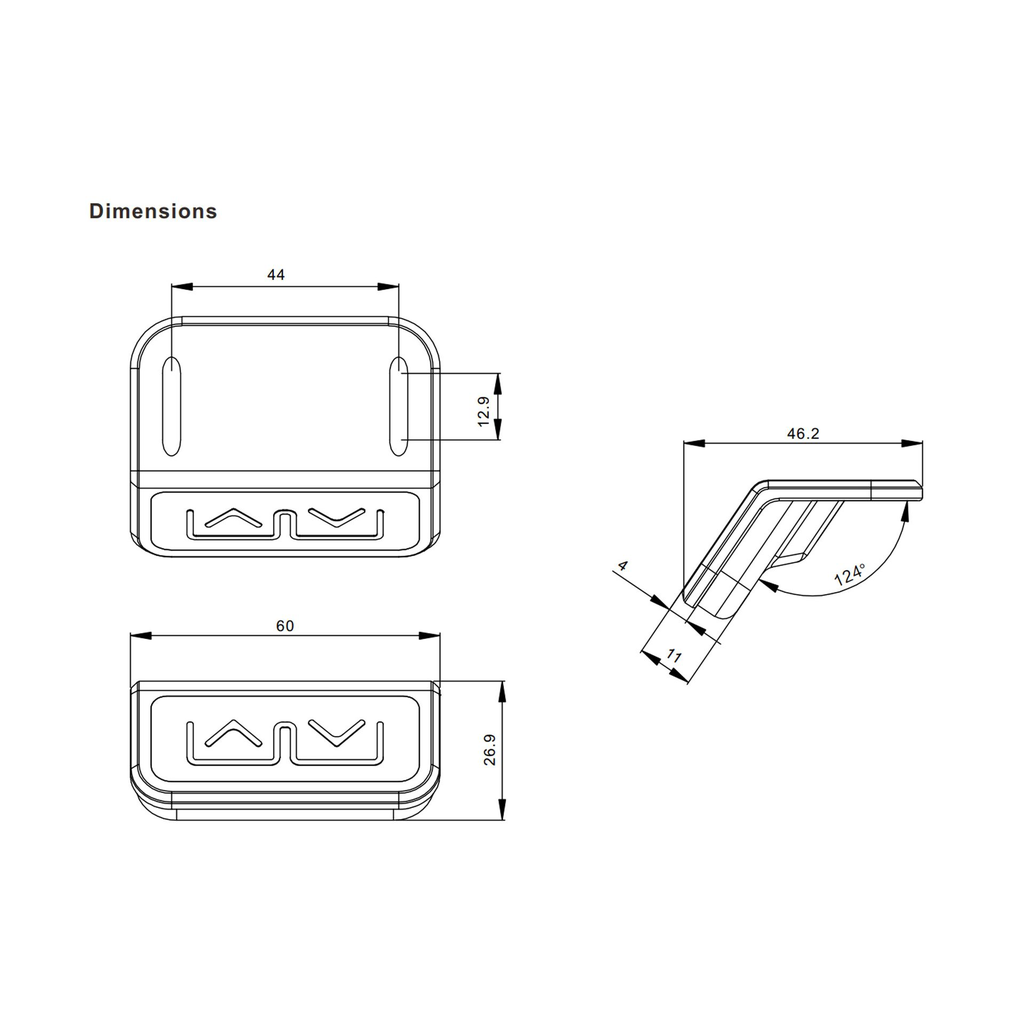
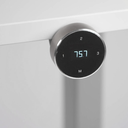
[JCHT35L] Handkontroll, enkel JCHT35L JCHT35L_mitat.webp
Handkontroll, enkel JCHT35L
Login for Price
SKU:JCHT35L

Need help finding the right solution?

Not sure which height-adjustable frame is right for your workspace? 
Our guide helps you compare the key features and find the 
right solution for your needs.
Contact us
Product Image
Handkontroll med 3 minnesplatser, rund JCHT35M6

info@vesalainen.fi
+358 3 7411 8114

PRODUCTS
  • All Products
  • Explore Products
  • New Arrivals
  • Login
EXPLORE
  • All Solutions
  • Brands
ABOUT
  • Company
  • Contact
LEGAL
  • Terms & Conditions
  • Privacy Policy
Copyright © A. Vesalainen Oy
English (US) | Eesti keel | Suomi | Svenska
Drivs med Odoo - Den #1 e-handelssystem med öppen källkod

We use cookies to provide you with a better user experience on this website. Cookie policy 

Endast nödvändigheterJag godkänner